Design the AI Assignment
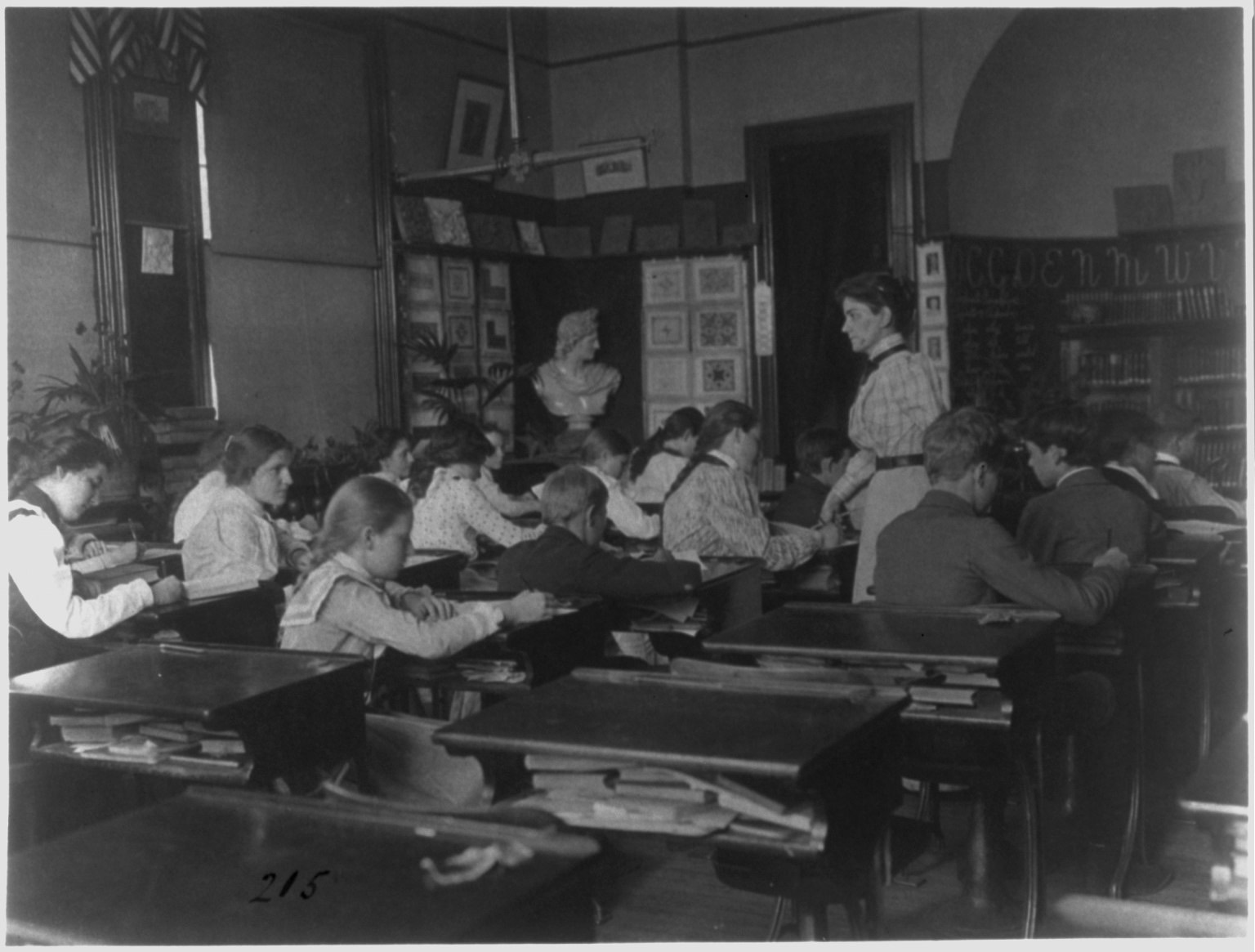
Frances Benjamin Johnston, classroom with students and teacher, Washington, D.C., 1899. Library of Congress.
Frances Benjamin Johnston, classroom with students and teacher, Washington, D.C., 1899. Library of Congress.
Teaching something is the fastest way to find out what you don’t understand about it. This assignment puts students in the instructor’s seat. Each student picks a concept from another class that they really struggled with (a statistical idea, a chemistry procedure, a dense reading) and designs a short exercise that uses AI to help someone else learn it. Then a classmate tries it in class while the designer watches.
Inspired by
Ethan Mollick and Lilach Mollick, “Assigning AI: Seven Approaches for Students, with Prompts” (2023), which gives instructors seven roles for AI, from tutor and coach to simulator and teammate. The core change: students do the assigning. They design the AI exercise themselves, then find out on each other whether it works.
Read the frameworks first. Before designing anything, students read a few approaches to AI-integrated assignments with a skeptical eye. Mollick and Mollick’s “Assigning AI: Seven Approaches for Students” works well. Are the approaches really different, or one idea in seven costumes? Which would produce students who learned something, and which would produce students who know how to look like they did?
Pick a hard topic. It has to come from a class the student found difficult. Easy topics make easy assignments, and those teach nothing about how AI helps in a real struggle to learn.
Design the exercise. The assignment students write has four parts:
Build in evidence of learning. Students find this part hardest, and it matters most. Good designs ask the learner to explain the concept in their own words, apply it to a new example, keep a record of key prompts and false starts, and show how they checked AI’s explanations. The underlying test: can the learner now explain, apply, and question the idea better than they could at the start?
Write a separate reflection. About 250 words, apart from the assignment itself, on what designing it taught the student about AI and learning. Which kinds of prompts helped? Where did AI explanations fall short?
Peer test in class. Students post their assignments before class, then trade and try to learn from someone else’s. Testers document what worked, what was confusing, where AI helped, and where it distracted. Each group reports back, and the discussion keeps circling one question: how do you keep the AI from doing the student’s thinking?
Students write the prompts here. What you give them is the design question:
assignment prompt
You are a teacher trying to help students learn with AI. Pick a concept or skill you struggled to understand in another class. Design a short exercise that uses AI to help a classmate actually learn it — not just get an answer. Explain what they should learn and why, how they should use AI (with sample prompts), what they should produce, and how they (and you) will know that they understood it.
Students who use AI regularly mostly use it to finish things. Designing for someone else drags the difference between finishing and learning into the open: a design that lets the learner paste in the question and copy out the answer falls flat in peer testing, in front of everyone.
Students also see learning goals and assessment from the inside. “Understand the concept” isn’t testable until they decide what understanding looks like, and with AI in the picture, the process (prompts, revisions, checks) becomes better evidence than the polished product.
And their own struggle becomes expertise. The student who never quite got standard deviation knows exactly where the confusion lives, which is often more useful for designing a path through it than knowing the concept cold.
Grade the design, not whether the tester ended up mastering the concept. A checklist gives students the target in advance:
The separate reflection counts too: strong reflections name specific kinds of prompts that helped or failed, rather than general impressions of AI.
Weak designs are really an explanation with extra steps: ask AI to explain X, then summarize it. Push students toward activities that make the learner do something with the explanation: apply it, test it, catch AI getting it wrong.
This sketch is licensed under Creative Commons BY-NC-SA 4.0. You're welcome to share and adapt it for noncommercial purposes, with credit, as long as you share your adaptation under the same license.
Image Frances Benjamin Johnston, classroom with students and teacher, Washington, D.C., 1899. Library of Congress. The image's own license applies to it, separately from the sketch.
Suggested citation
Fred Gibbs. "Design the AI Assignment." AI Sketchbook, Amaranth, University of New Mexico, September 25, 2026. https://amaranth.unm.edu/ai-sketchbook/teaching/design-the-ai-assignment.html. Licensed under CC BY-NC-SA 4.0.