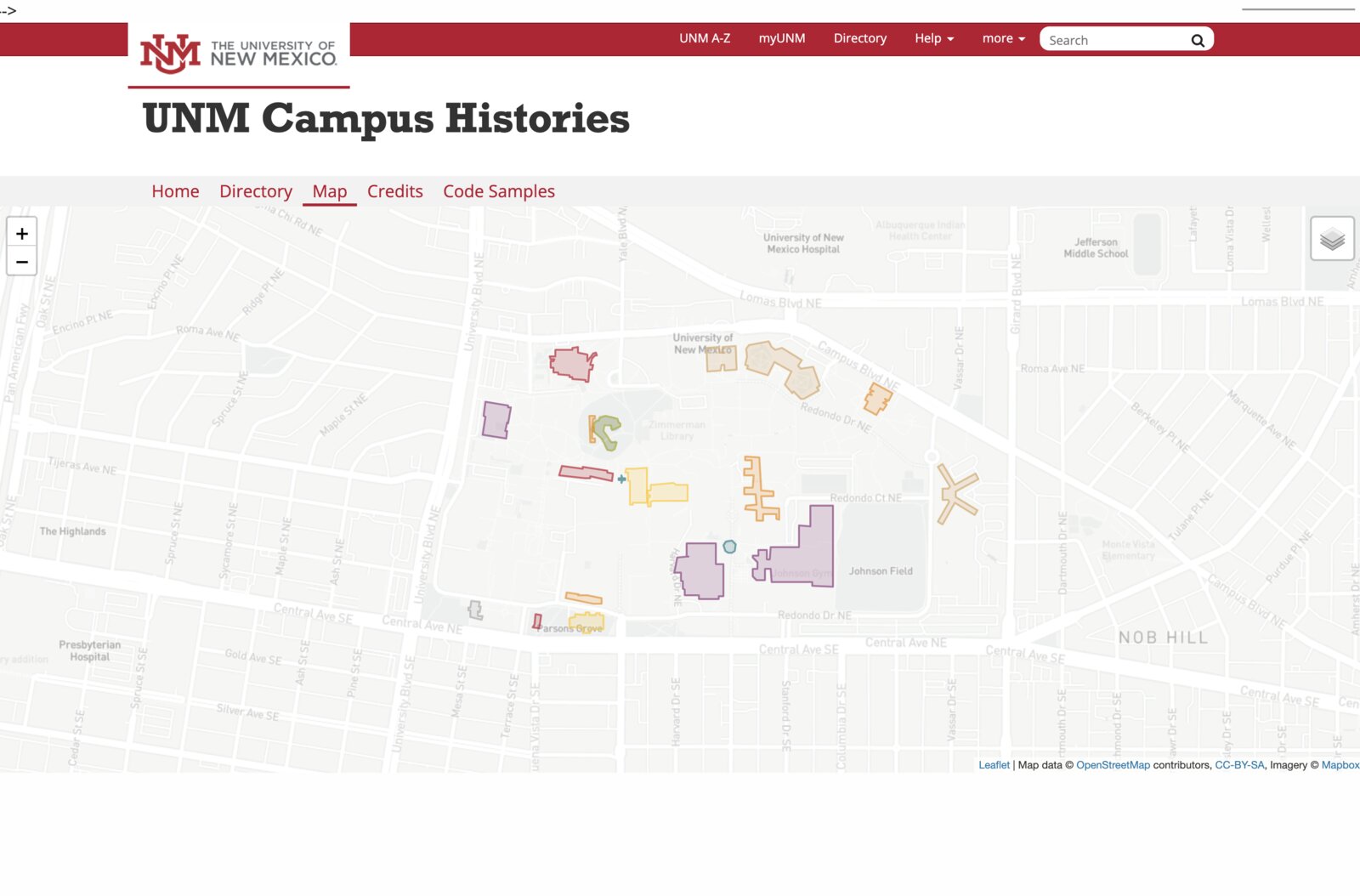
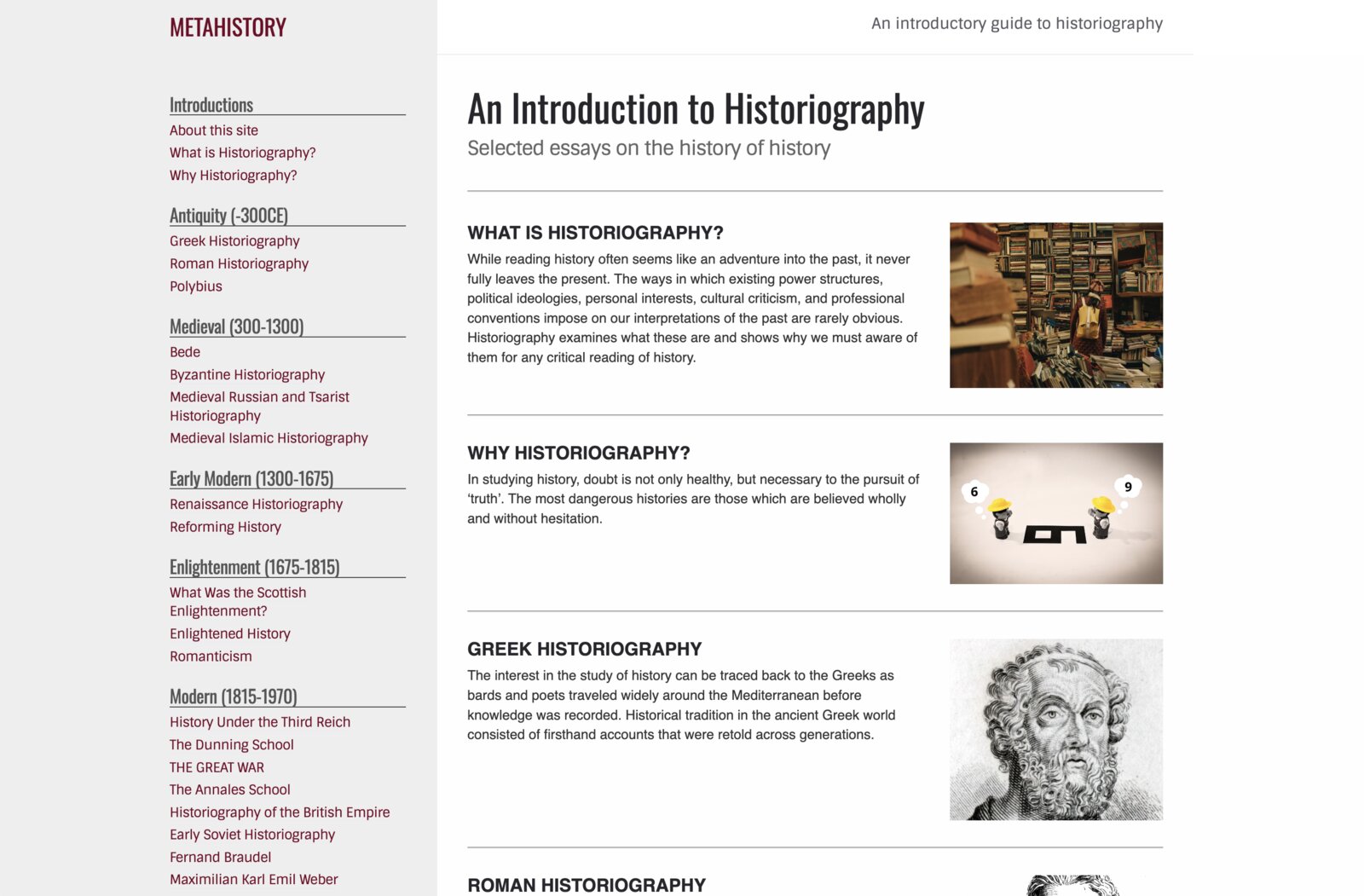
A collaborative class website changes the stakes of a course assignment. Instead of writing a paper that only one person reads, students contribute to a shared project that lives on the open web. Each contribution is small, but together they create something no one person could build alone. Students write more carefully, design more intentionally, and care more about clarity.
Designing for an audience
Building a page on a collaborative website is a design challenge as much as a writing one. Students have to think about visual hierarchy:
- What does a reader see first?
- How do images and text work together to tell a story?
- How does the page guide someone through an argument?
These are communication skills that transfer far beyond a single course. Humanities graduates need to build these visual-based skills no matter what they do next, but they rarely get to practice them in humanities coursework.
Digital literacy without coding
Our platform teaches students how websites work—how simple code blocks display images, how metadata enables functionality, and how version control lets a group collaborate without overwriting each other’s work—without requiring them to learn programming. They edit simple text files and see their work published as webpages. Many students also use AI to handle technical decisions while keeping their focus on the intellectual argument, gaining practice making thoughtful choices about how to direct AI assistance. Technology becomes a little less intimidating, and the confidence that comes from building something real is something students carry forward.
Built to last
Commercial website builders lock content into proprietary platforms that charge subscription fees. Our sites run on GitHub Pages—free, open, and built on web standards that will still work decades from now. Some early projects haven’t been touched in almost a decade and they work exactly as they did at the end of the course that created them. Sustainability by design.
How it works
The process is the same for instructors and students: create a free GitHub account, duplicate the project template, and start editing the sample pages. No coding, no special software, no server administration. The Xanthan getting started guide walks through every step, and we’re always happy to visit a class to help. For guidance on how to integrate a class project website into the flow of your course, see our Instructor’s Guide