Bring students together

A collaborative class website changes the stakes of a course assignment. Instead of writing a paper that only the instructor reads, students build a shared project that lives on the open web — one a future student, a journalist, or a stranger who finds it through a search engine might actually read. Each contribution is small, but together they build something no single student could pull off alone. Students write more carefully, design more intentionally, and care more about clarity when they know the audience is bigger than one grader.

Designing for an audience

Building a page on a collaborative website is a design challenge as much as a writing one. Students have to think about visual hierarchy:

These are communication skills that transfer far beyond a single course. Humanities graduates need to build these visual-based skills no matter what they do next, but they rarely get to practice them in humanities coursework.

Digital literacy without coding

Students edit plain text files and watch them turn into live webpages within minutes — which is how they start to understand how websites actually work: how a simple code block displays an image, how metadata quietly does the work of organizing a site, how version control lets a dozen people edit the same project without anyone overwriting anyone else’s work. Many students also bring AI into the process, directing it on technical decisions while keeping their own focus on the argument. Learning to make those calls well — when to hand something off, when to double-check it, when to do it yourself — is its own kind of literacy, and it’s one they carry into every project after this one.

Built to last

Commercial website builders lock content into proprietary platforms that charge subscription fees. Our sites run on GitHub Pages—free, open, and built on web standards that will still work decades from now. Some early class projects haven’t been touched since the semester that produced them, nearly a decade ago, and they still load exactly as they did on the last day of class — by design, not by luck.

How it works

The process is the same for instructors and students: create a free GitHub account, duplicate the project template, and start editing the sample pages. No coding, no special software, no server administration. The Xanthan getting started guide walks through every step, and we’re always happy to visit a class to help. For guidance on how to integrate a class project website into the flow of your course, see our Instructor’s Guide

Examples

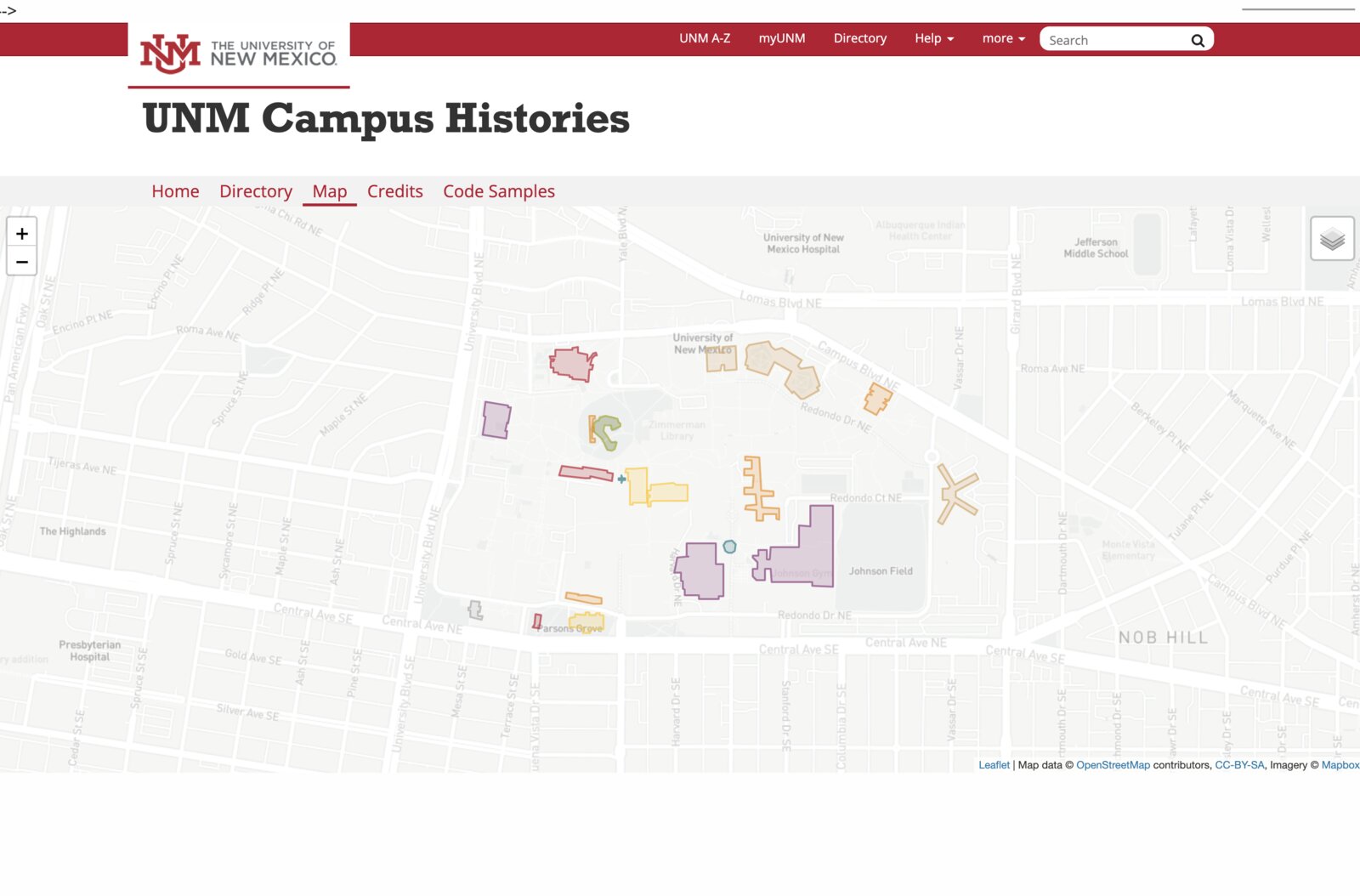
Screenshot of the Campus Histories website

Campus Histories

Each semester, a new cohort of students researches and writes the history of a UNM building, adding another layer to a growing public record of the campus.

  • Multi-semester project — each cohort builds on what previous students made
  • UNM site styling baked in via Xanthan
  • Card-based navigation through individual building histories
Visit site →
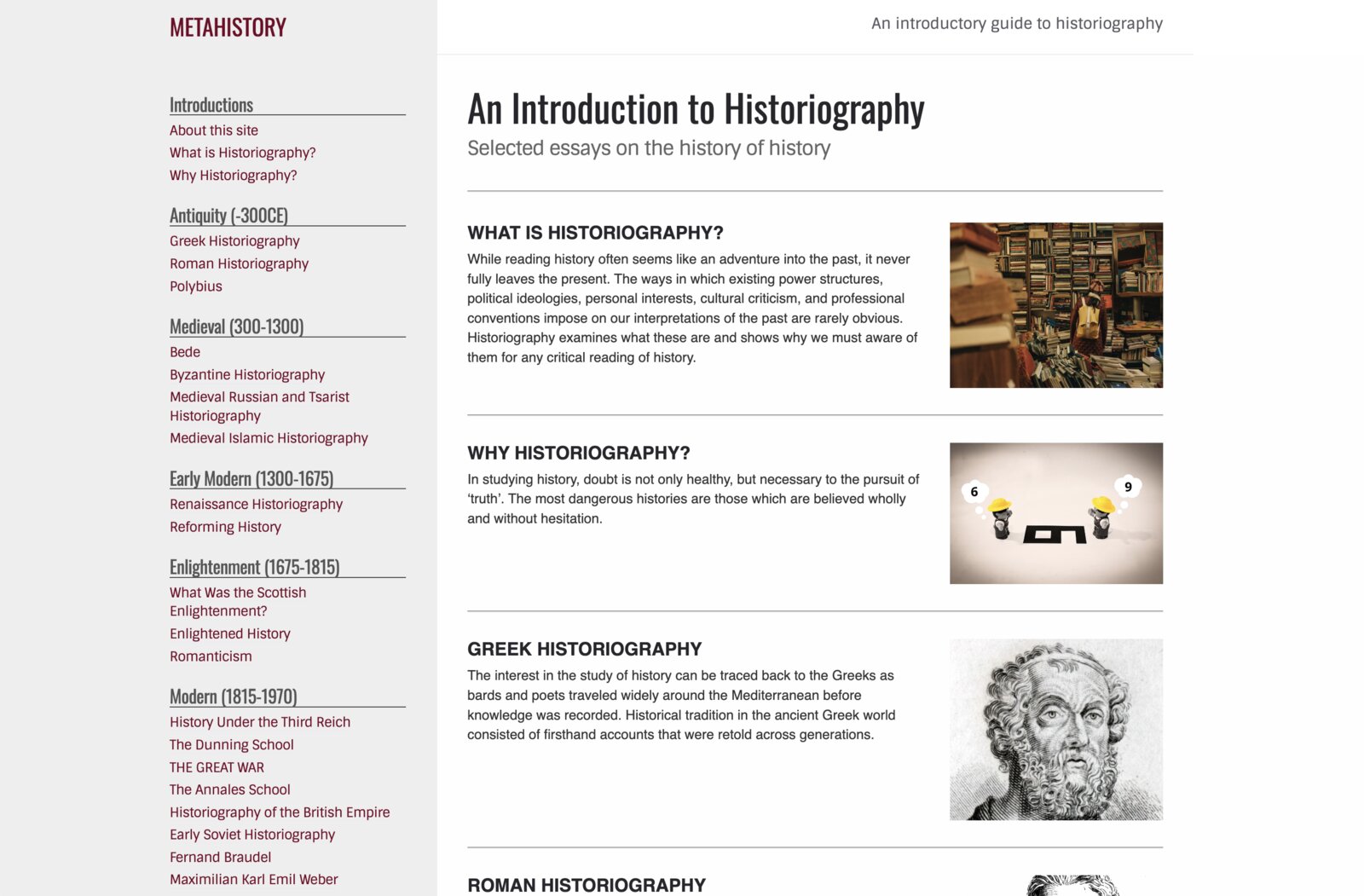
Screenshot of the Metahistory website

Metahistory

Students in UNM's historiography courses each write an essay on a period or historian, growing a shared encyclopedia of the history of history from antiquity to the present.

  • Spans multiple courses and years of student contributions
  • Permanent left sidebar with auto-generated table of contents
  • New pages picked up automatically as students add them
Visit site →
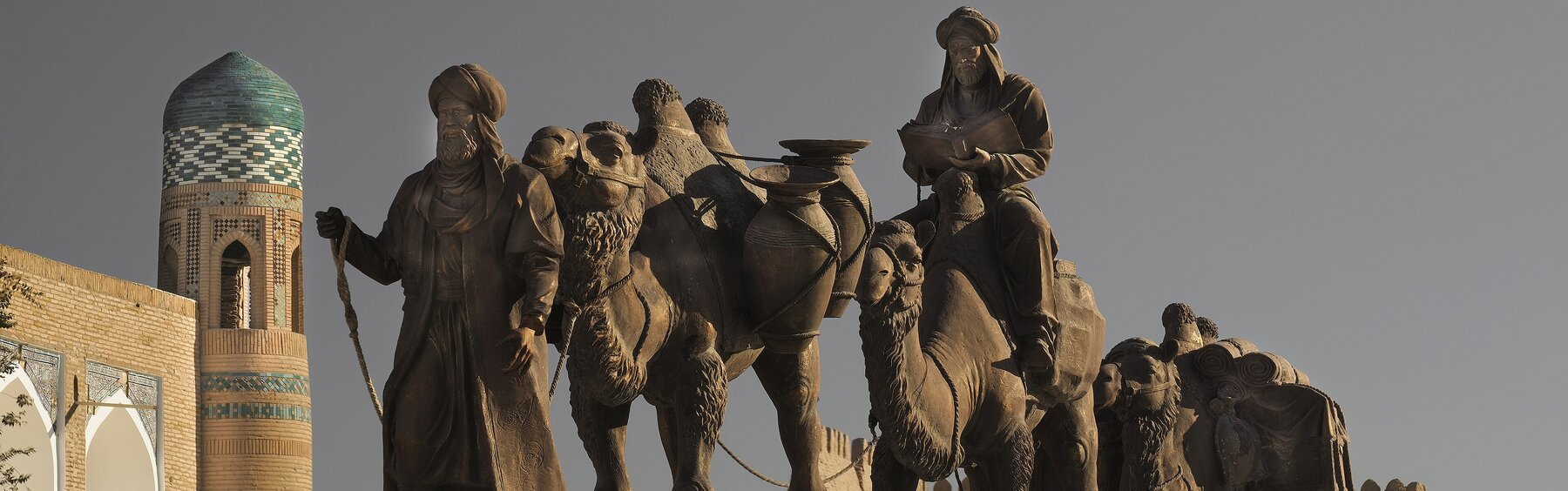
Screenshot of the The Silk Road website

The Silk Road

Students researched individual objects and wrote thematic essays tracing how materials, ideas, and people moved along the Silk Road, tied together with an interactive map.

  • Object pages with images, metadata, and interpretive essays
  • Thematic essays connecting multiple objects and historical patterns
  • Map-based view of places and materials connected through exchange
Visit site →
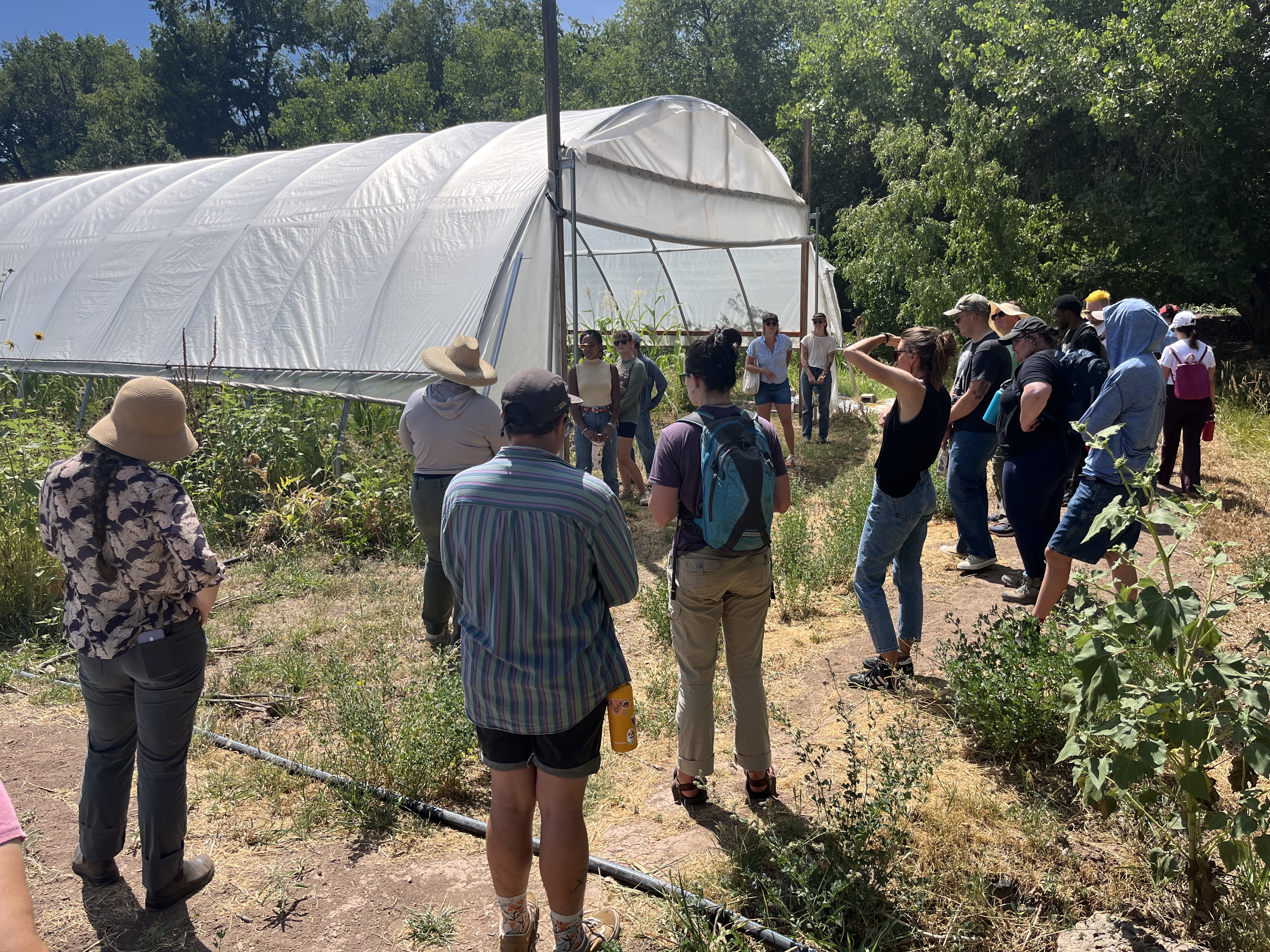
Screenshot of the Farming the Middle Rio Grande website

Farming the Middle Rio Grande

Students conducted and recorded oral history interviews with Rio Grande farmers, then wrote profiles pairing those interviews with research on local food systems.

  • Farmer profiles combining oral history interviews and student-written web pages
  • Cross-course collaboration between qualitative methods and local food systems courses
  • Recordings archived in the UNM Digital Repository
Visit site →
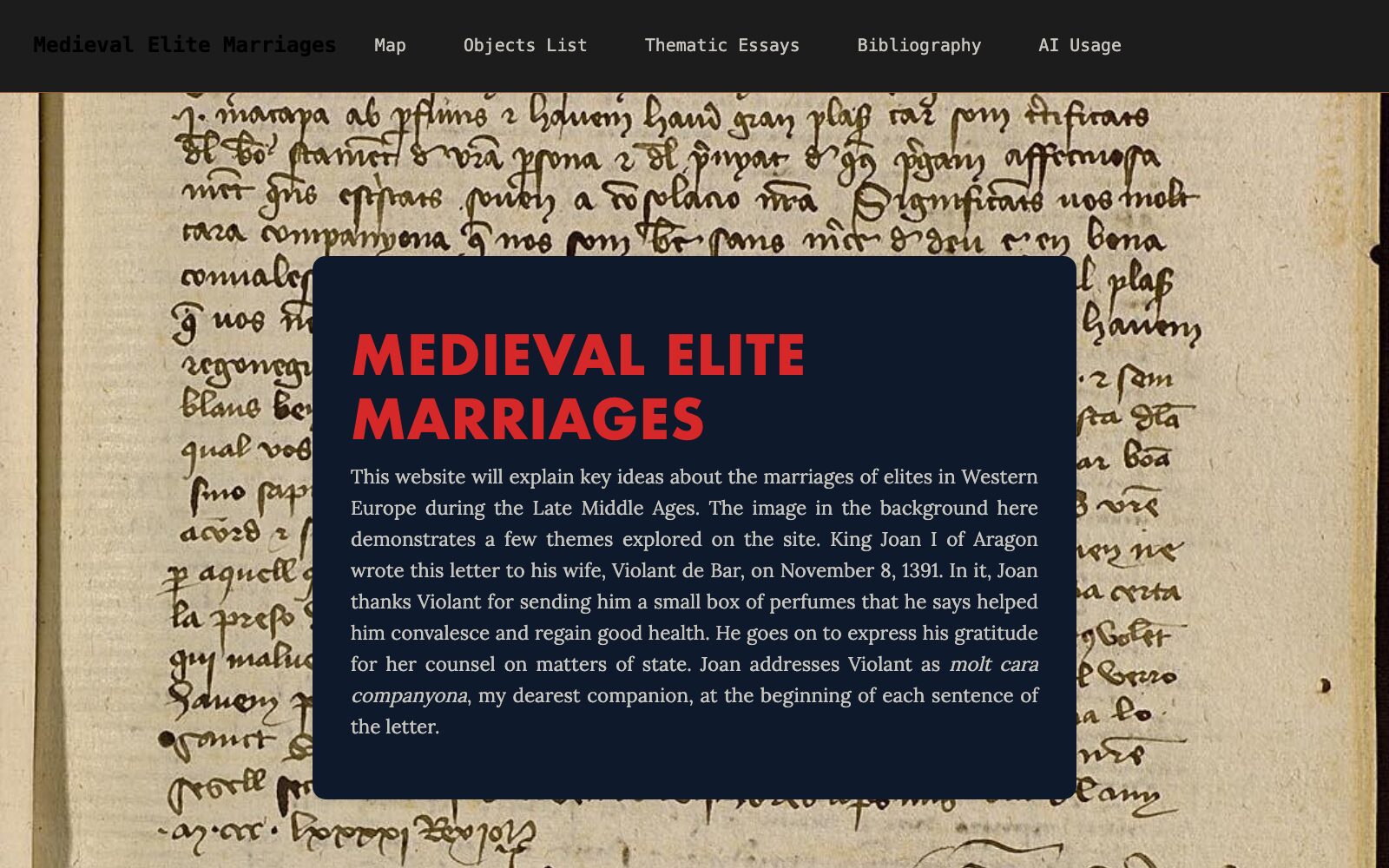
Screenshot of the Medieval Elite Marriages website

Medieval Elite Marriages

Each student chose a single historical artifact and built a page arguing what it reveals about medieval elite marriage.

  • Each page centers on a single historical artifact
  • Shows how material objects can anchor historical argument
Visit site →
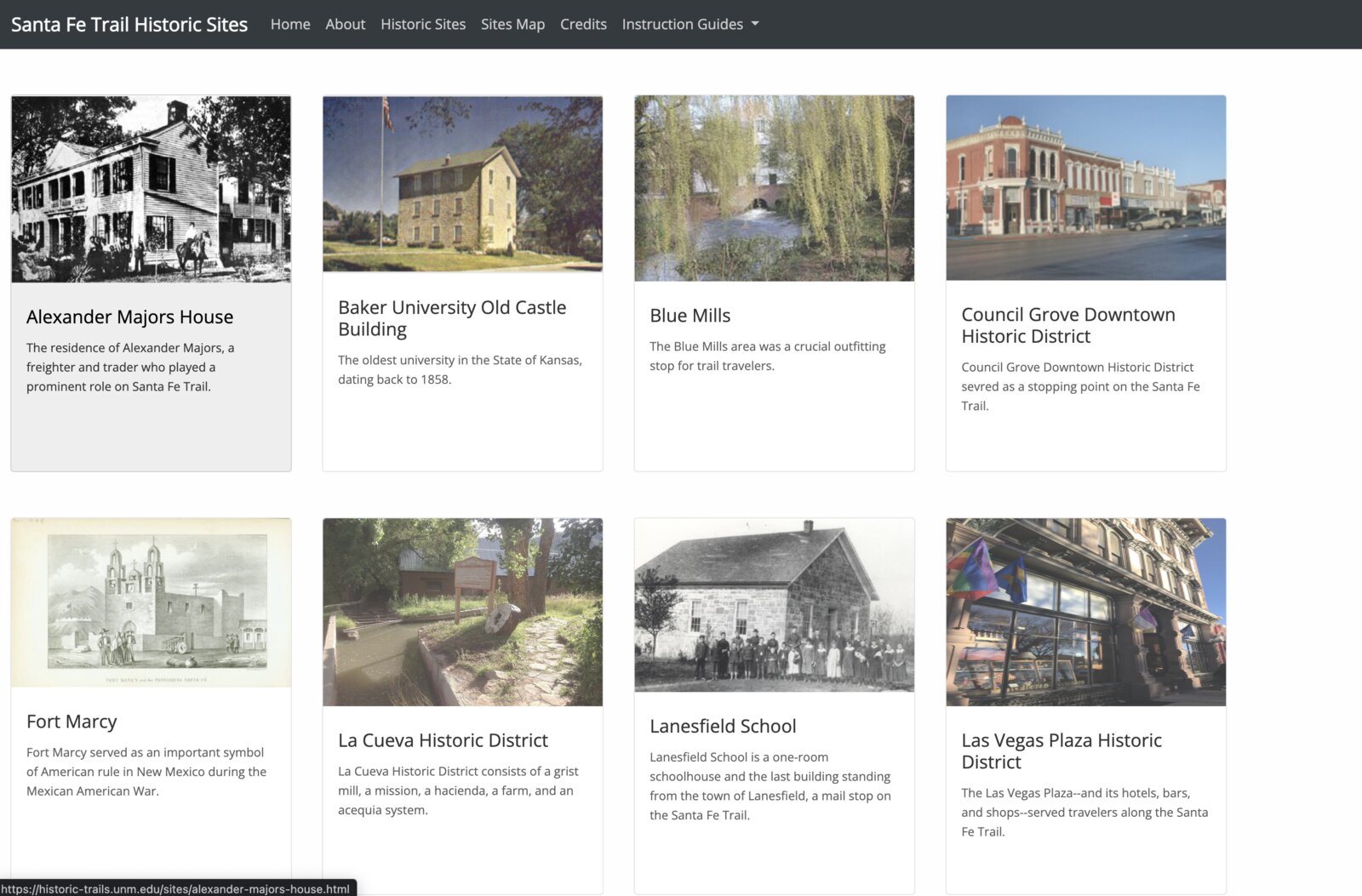
Screenshot of the Santa Fe Trail Sites website

Santa Fe Trail Sites

Students researched historic Santa Fe Trail locations and built a map-first site for navigating them geographically — still running, untouched, nearly a decade later.

  • Map integration with linked individual location pages
  • Geographic navigation as the primary entry point
  • Still running without maintenance after nearly a decade
Visit site →
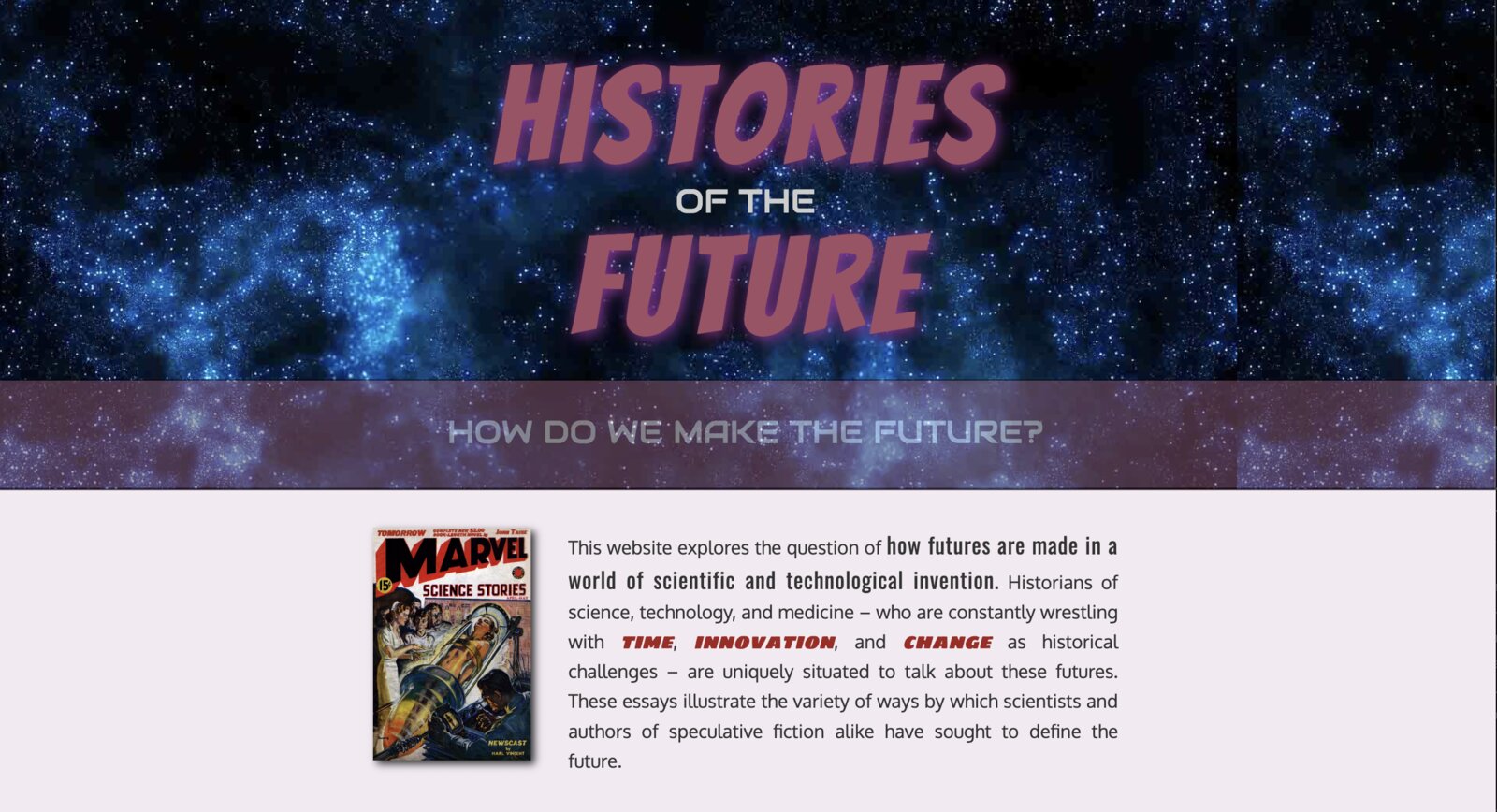
Screenshot of the Histories of the Future website

Histories of the Future

Proceedings from a 2015 Princeton workshop on history and science fiction, preserved as a permanent public site instead of disappearing after the event.

  • Workshop proceedings preserved as a permanent public site
  • Shows how event output can have lasting web presence
Visit site →

See portfolios and ScrollStories too →